Use your from your phone.
Claude Code, Codex, OpenCode, and more. Access your agents, terminals, files, and ports from your phone.
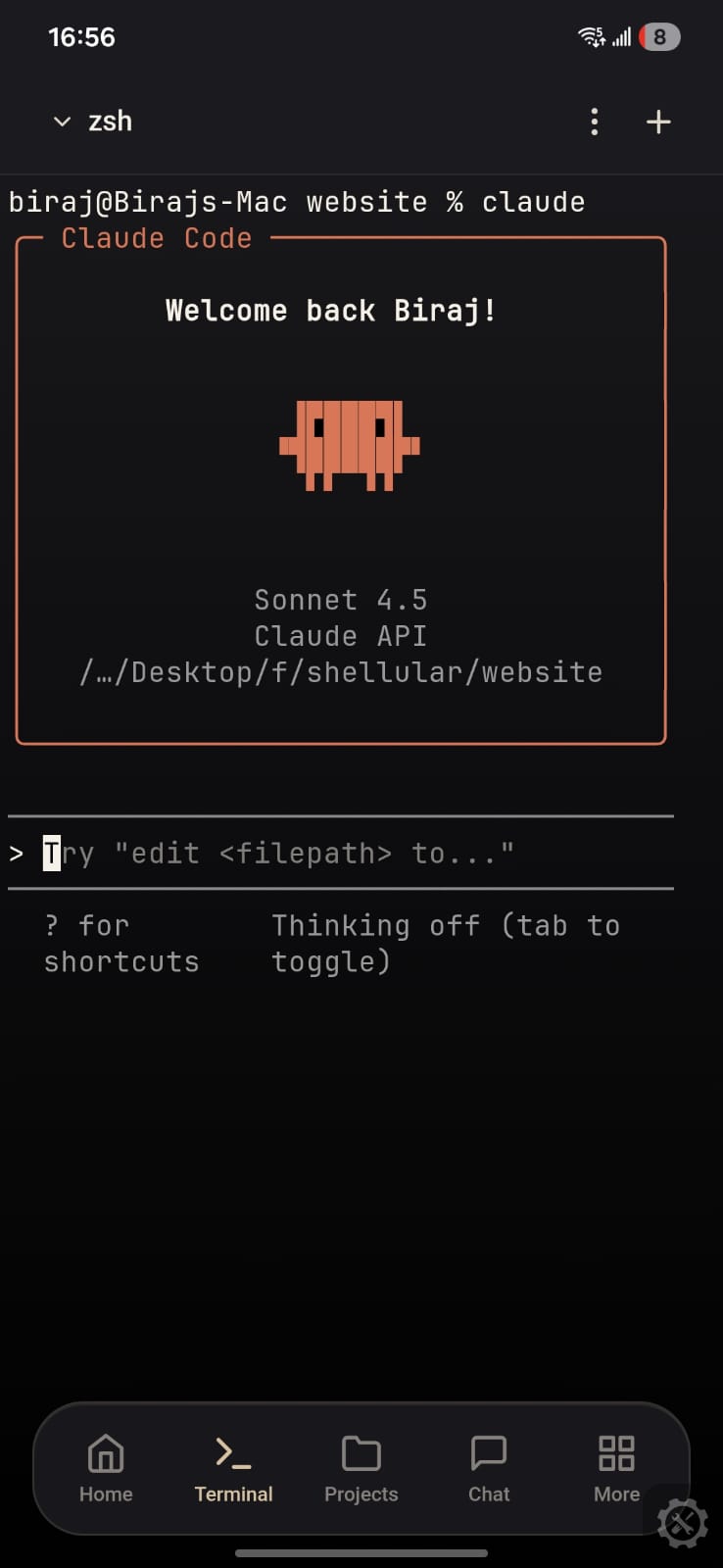




Set up Shellular in three steps
Install the app, start the host on your machine, and connect to the environment you already use.
Run the CLI agent on your laptop, desktop, or cloud server. It starts the WebSocket relay and generates a session token.
Open Shellular on iOS, Android, or the web app and scan the QR code. No manual code entry; one scan and you're in.
Full device access at your fingertips: terminals, projects, files, AI agents, browser previews, and more.
Use your development machine from your phone
Shellular keeps the machine, tools, repos, and agents you already rely on reachable when you are away from your desk.
Remote access with clear controls
- End-to-end encryptedEvery message between the app and your machine is encrypted end-to-end.
- TLS in transitAll traffic runs over TLS — no unencrypted connections at all!
- Out-of-band pairingThe pairing key is exchanged through the QR code, never over the network.
- Explicit client approvalEvery new device must be approved by you on the host before it can connect.
- File size limitsFiles larger than 2 MB are rejected on read.
Install the app, then connect your machine
Start with the mobile app, then run the host on the computer you want to reach.
1. Install Shellular on your phone.
2. Run the host on the machine you want to control.